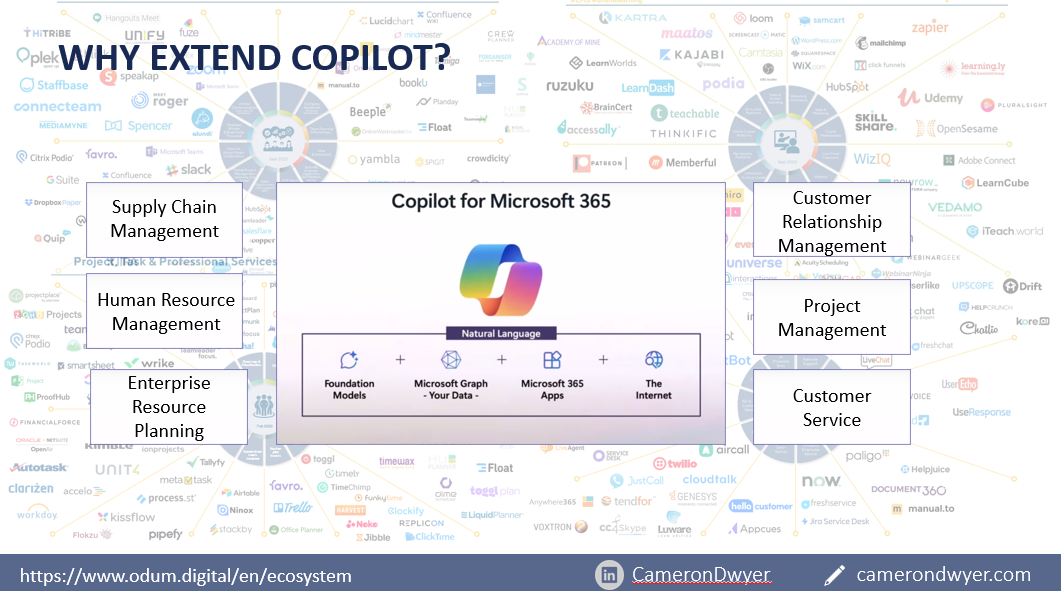
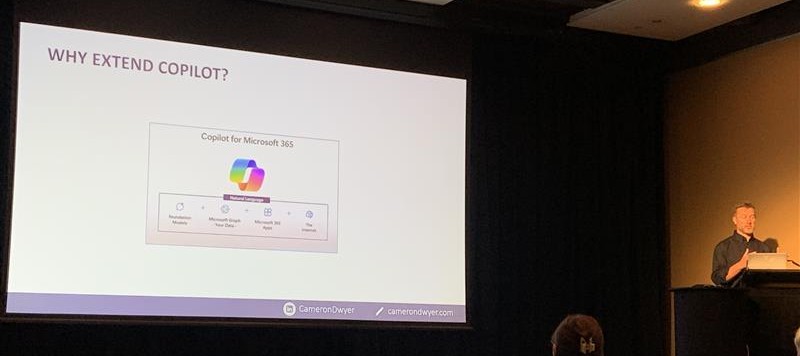
I presented a session this week at the Digital Workplace Conference in New Zealand that landed really well according to the feedback I’ve received following the session. Most of the feedback revolved around the common thread that people are being bombarded with high level messaging around AI, Copilots and the benefits it could bring, the governance and adoption best practices that are needed to make it successful, how to train user on effective prompting, and the data cleansing and preparation required before implementing. What people haven’t been getting is the how as a business to automate or utilise AI and Copilot beyond just empowering individual users to do their own prompting.
I demonstrated how to use Graph Connectors and Copilot Agents (both low code and pro code) to expand the Knowledge and Skills available to Microsoft 365 Copilot to your line of business systems and data that resides outside of Microsoft 365. This allows you to use the Copilot engine (the user experience and orchestration) as your enterprise AI solution no matter where your data lives.
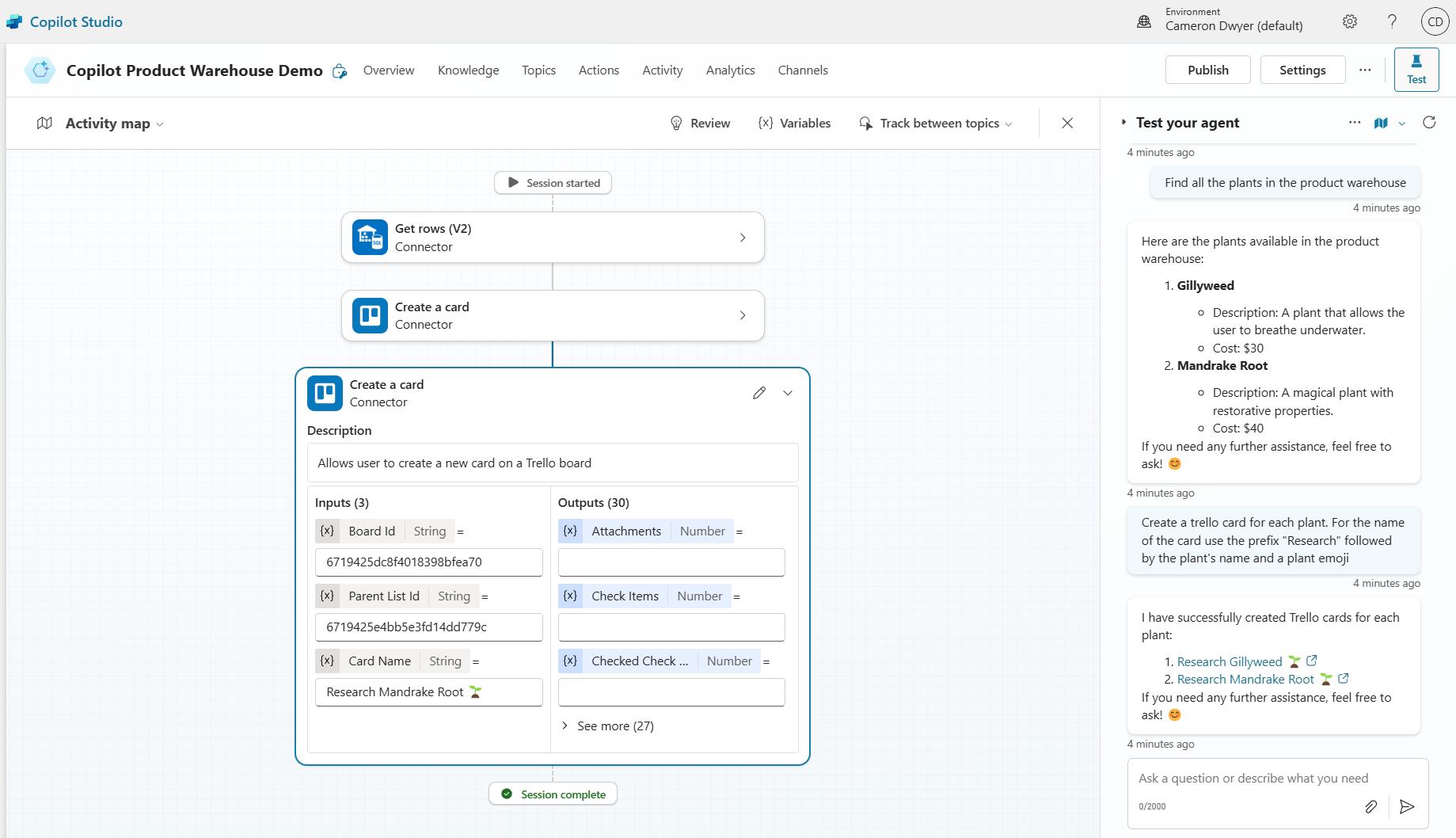
I then went through the process of creating several Copilot Agents (starting with a new blank agent) that were targeted at specific business use cases. One was allowing users to ask about Products in an Azure SQL Product Warehouse system and create cards on a Trello task management board. The feedback was that people were surprised at how quickly and easily effective Copilot Agents could be created and the maturity of the offering.
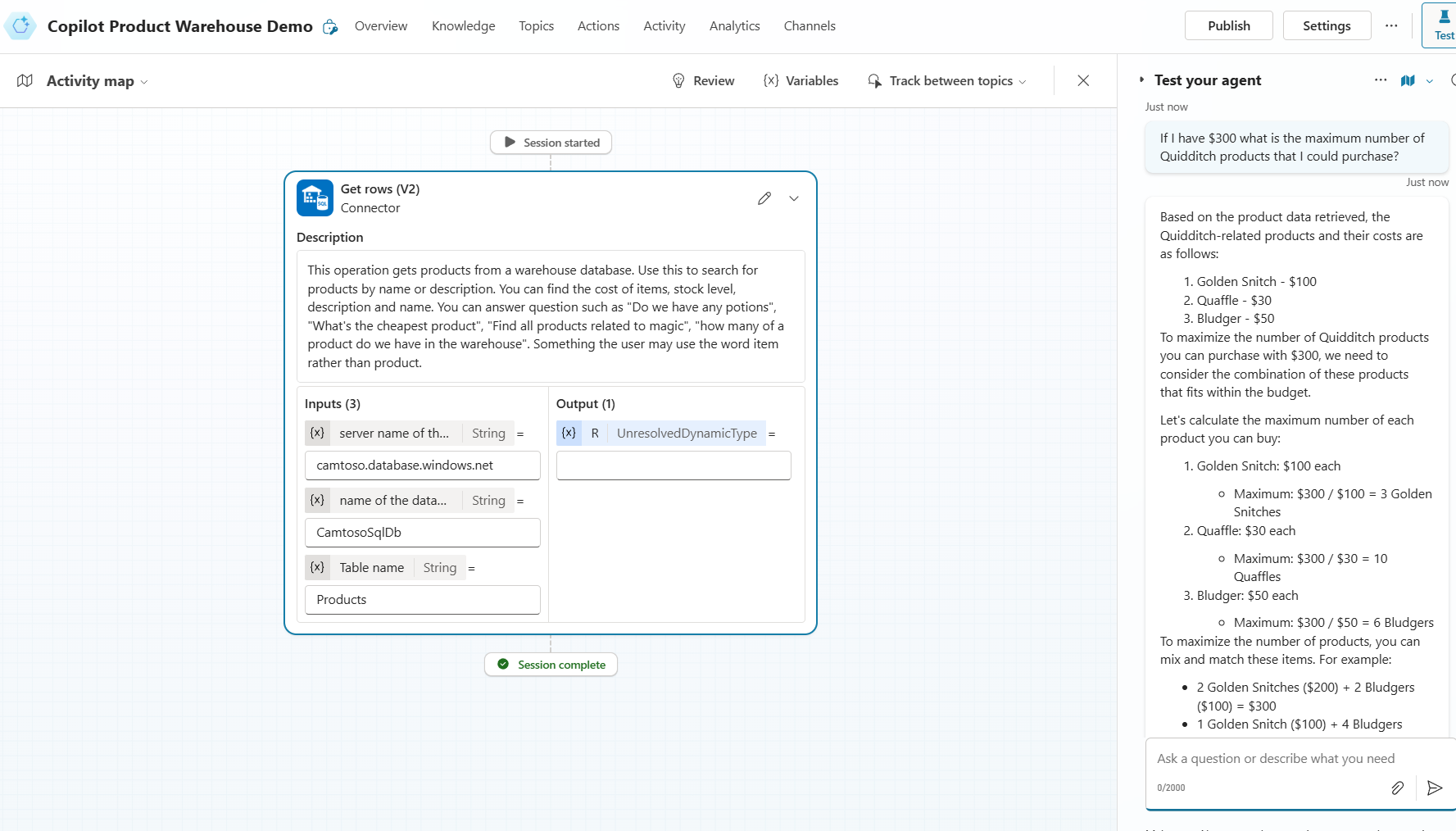
Unlike the generic Microsoft 365 Copilot experience which has all your M365 data to draw on, these custom Copilot Agents have restricted knowledge sources which you control (such as specific libraries or files in SharePoint, specific webpages/sites, or specific line of business systems) to build domain specific Copilot experiences that you design to use the right trusted sources of information and behaviour to acheive a specifc business outcome.
A big thank you to those that attended the session, it was inspiring to hear your comments and feeback after the session and I’m pumped that for some of you it was a lightbulb moment, and you are heading off with new knowledge to look into what you can acheive within your businesses.
Learning resources shared during the session:
M365 Copilot – Choose your extensibility path
M365 Copilot Extensibility – Learn Collection
GitHub M365 Copilot Samples
Use Power Query to load data in Dataverse
 Cameron Dwyer
Leave a comment