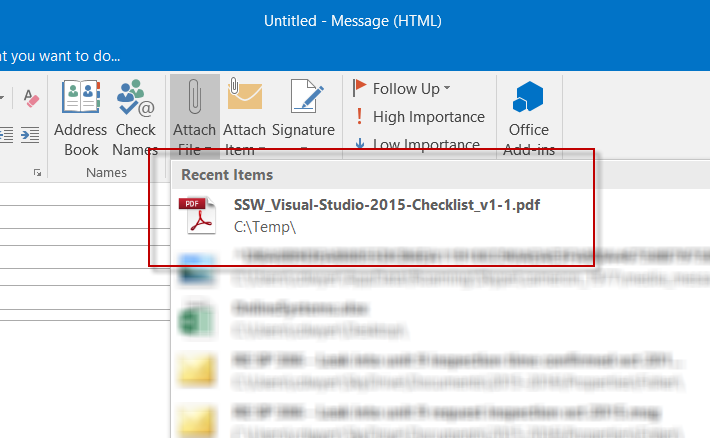
This may just be the smallest and yet most appreciated new features of Outlook 2016. The attach file ribbon button has a dropdown that lets you select recent files saved from any other application. Sounds ridiculously simple, but in practice it is a real time saver.
Here’s the use case. I’m working on a file or I’m reading a file I’ve just downloaded from the internet and I want to send it to someone on an email.
Simply compose a new email and on the Attach File button dropdown the file will be the most recent file in the list. No need to even think about where it is saved, very slick.
 Cameron Dwyer
I found that one by accident as well and thought the same thing as you Cameron
LikeLiked by 1 person